How to Add Pages From Another PDF
If the pages you need already exist in another file, you don't have to recreate anything. This is how to add pages to PDF without Acrobat in any browser:
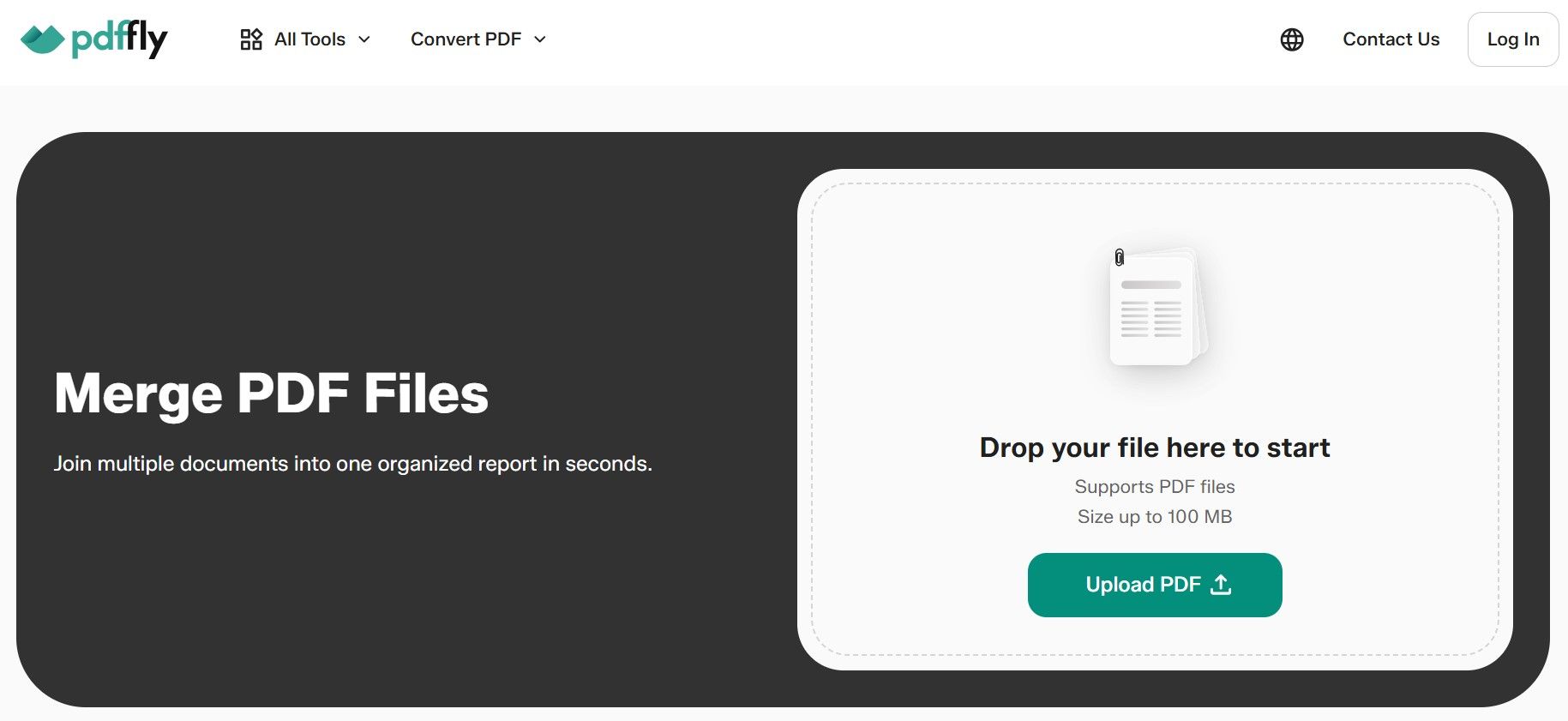
- Open PDFFly and merge PDF files by uploading the original document and the file with the extra pages (up to 100 MB each).
- Arrange the pages in the order you want. You can move individual pages, not just whole files.
- Merge and download the combined document.
Need only a few pages from a long file? Use Split PDF to extract them first. If the new content is a Word file or a photo, convert it to PDF before merging. Adding pages to PDF files this way keeps the original formatting and image quality intact.
How to Add Pages to a PDF on Mac and Mobile
Mac Preview. macOS includes a capable free option. Open your PDF in Preview and choose View > Thumbnails. Select the page that the new one should follow, then go to Edit > Insert and pick either Page from File or Blank Page. You can also drag a thumbnail from another open PDF into the sidebar.
iPhone and iPad. Open the PDF in the Preview app and tap the page count to show thumbnails. Touch and hold the thumbnail of the page before the insertion point, then choose Insert Blank Page or Insert from File. That's how to add another page to a PDF without installing a single app.
Android and Windows. Windows and Android don't include a native PDF page-organizing tool comparable to Preview on Apple devices. The fastest route is an online PDF organizer like PDFFly, which runs in Chrome, Edge or any mobile browser. It's also the simplest answer to how to add more pages to a PDF when you're switching between devices during the day.
How to Organize Your New PDF Pages
After you add a page to PDF document files, a quick cleanup pass is worth it.
Reorder and extract pages
In PDFFly's merge tool, you can rearrange pages by dragging thumbnails into place before creating the final file. To pull specific pages out into a separate document, use Split PDF to extract a page range. If a scanned page landed sideways, fix it with Rotate PDF.
Delete unwanted pages
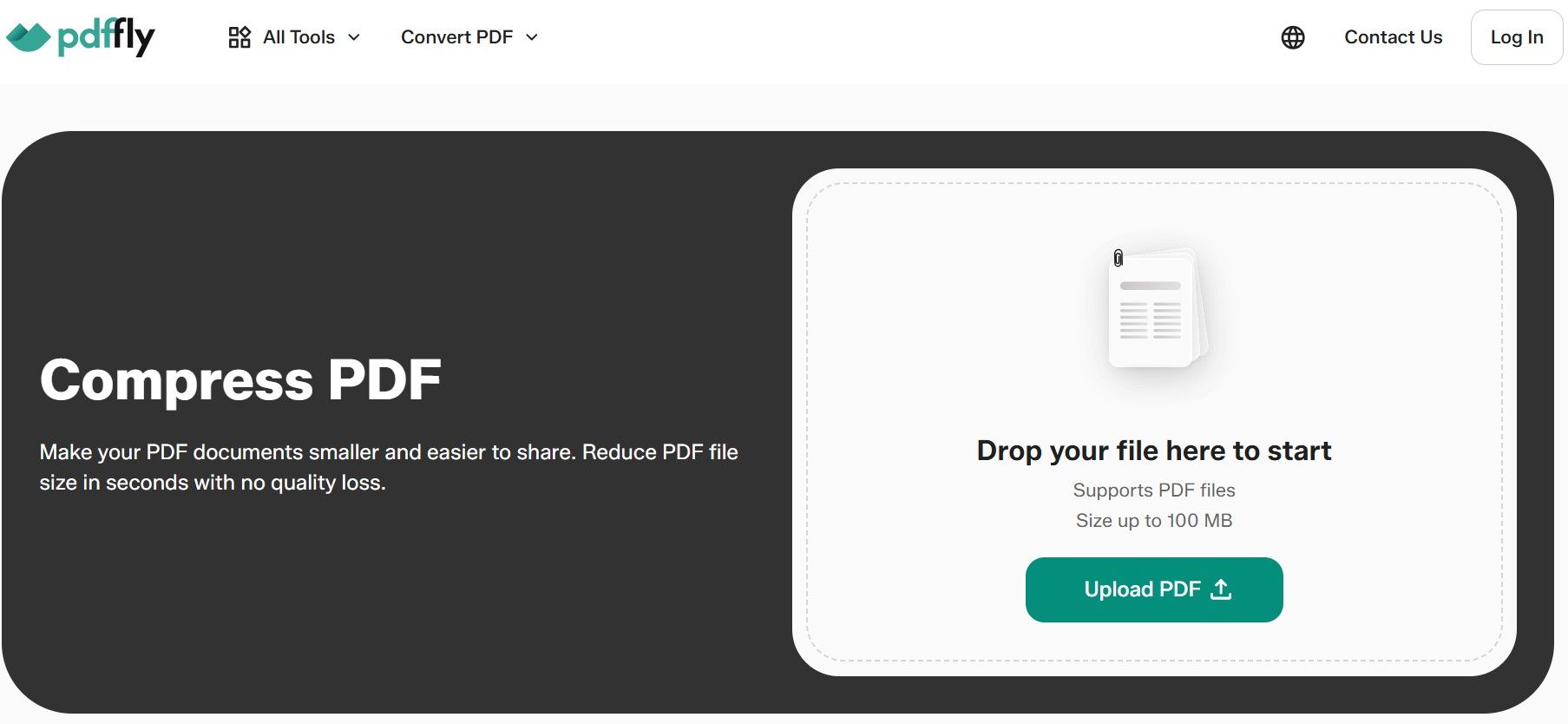
Duplicate pages, empty scan backs, and outdated sections can all go. Upload the file to PDFFly's Delete pages from PDF tool, select what you don't need and download the trimmed version. If the extra pages made the file too large to email, compress the PDF afterward to bring it back to a shareable size.
PDFFly is a free, browser-based PDF platform run by PDFFly Limited in Limassol, Cyprus, and a member of the PDF Association. More than 6 million people have used the platform, with over 20 million files uploaded. It's available in multiple languages and needs no installation, which makes it a practical Adobe alternative for everyday document tasks.
Besides the tools to organize pages, merge documents, split and rotate, PDFFly lets you:
- convert PDFs to and from Word, Excel, PowerPoint, PNG, EPUB and dozens of other formats;
- compress files to a target size, down to 1 MB;
- turn scanned pages into editable text with OCR;
- translate or summarize entire PDF documents;
- edit text, sign and fill out forms;
- unlock protected PDFs and remove watermarks from images.
Frequently Asked Questions (FAQs)
Can I insert a page in the middle of a document?
Yes. To insert page in PDF files at any position, upload both files to PDFFly's Merge tool and drag the new page between the two existing pages where it belongs. In Mac Preview or on iPhone, select the page right before the insertion point first.
How do I add page numbers to the new pages?
Adding pages won't renumber a document automatically. After merging, open the file in PDFFly's PDF editor and use the text tool to add page numbers to the new pages or update the existing numbers so the sequence stays correct.
Is it secure to upload and edit my PDFs online?
Yes. PDFFly protects uploads with SSL encryption and follows GDPR requirements. Files processed by some tools are automatically deleted after processing. Check PDFFly’s privacy policy and the specific tool's data-retention terms before uploading confidential documents.
For highly confidential material, also check your company's data policy first.
Otherwise, learning how to add a page to a PDF document online is a safe and fast way to keep your files complete and up to date.

 Published Sep 30, 2026
  4 min
4 min